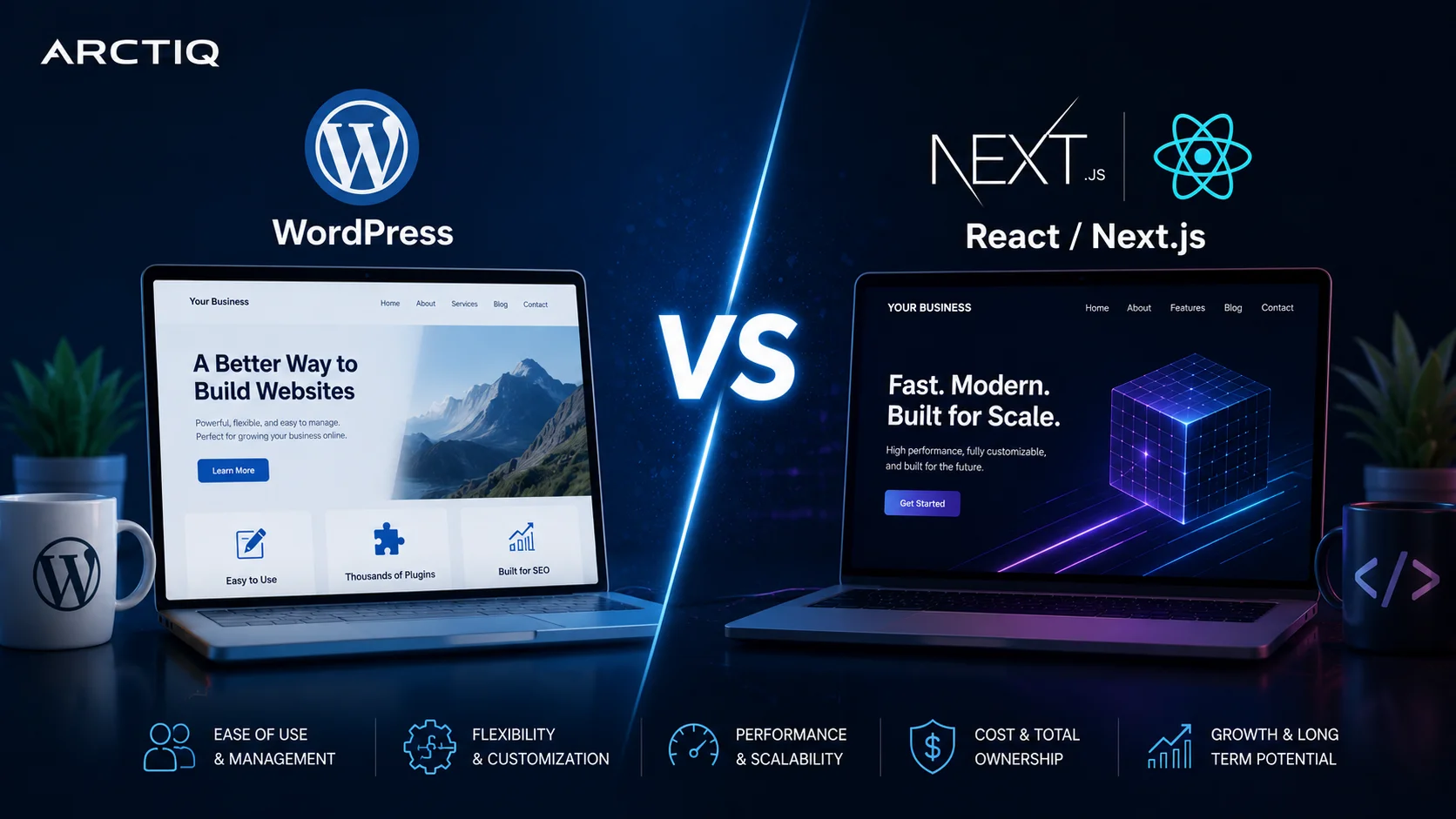
Many Australian businesses start with WordPress because it is familiar, affordable and easy to manage. For many websites, WordPress still does the job well. It gives business owners and marketing teams a simple way to update pages, publish blogs, manage forms and add new features using plugins.
But as a business grows, the same WordPress website can become harder to manage. Over time, plugins build up, pages become slower, security risks increase and the website may no longer support the business properly.
That is when many businesses start asking an important question:
Should we keep improving our WordPress website, or should we move to a more modern platform such as React/Next.js?
There is no single answer for every business. The right choice depends on your website’s purpose, your internal team, your marketing goals, your budget and your appetite for risk.
This article compares WordPress and React/Next.js from a practical business point of view, focusing on speed, security, SEO, maintenance and long-term value.
WordPress is still popular, but popularity does not always mean it is the right fit
WordPress remains one of the most widely used website platforms in the world. W3Techs reports that WordPress is used by around 41.5% of all websites and around 59.3% of websites where the content management system is known.
That popularity exists for good reason. WordPress is flexible, widely supported and suitable for many types of websites. It is especially useful for small business websites, blogs, simple service websites and content-heavy sites.
However, many WordPress websites become risky or difficult to manage over time. This usually happens because of the way the site has been built, maintained or extended, not because WordPress itself is always the problem.
Common issues include:
- Too many plugins
- Outdated themes or plugins
- Slow mobile loading
- Weak hosting setup
- Poor backup processes
- Unused or abandoned plugins
- Poor admin access control
- Heavy page builders
- Security settings that have not been reviewed
- Technical SEO issues that have built up over time
For a small website, these issues may not seem urgent. For a growing business that depends on leads, search traffic, paid ads or online trust, they can become a real business risk.
What is WordPress?
WordPress is a content management system, often called a CMS. It allows users to create, edit and publish website content through an admin dashboard.
In a traditional WordPress setup, WordPress controls both the backend and the public-facing website. The theme controls the design, plugins add features and the website is usually hosted on a web server with a database.
This makes WordPress easy to get started with. A business can launch a website quickly and make regular updates without needing a developer for every small change.
Where WordPress works well
WordPress can still be a strong choice when the website is simple, well maintained and does not require heavy custom functionality.
It is a good fit for businesses that need:
- A simple marketing website
- Regular blog publishing
- Easy page editing
- A familiar admin dashboard
- Fast initial setup
- Lower upfront cost
- Access to many themes and plugins
- Non-technical content updates
For many small businesses, WordPress is still practical and cost-effective.
Where WordPress can become a problem
WordPress can become a problem when the website grows without proper structure or maintenance.
A business may start with a basic website and then add a form plugin, an SEO plugin, a security plugin, a slider plugin, a popup plugin, a page builder, analytics scripts, booking tools and several marketing tags. Each new addition may solve a short-term problem, but it can also add weight, risk and complexity.
Over time, this can affect:
- Website speed
- Mobile performance
- Security exposure
- SEO performance
- User experience
- Conversion rates
- Hosting stability
- Maintenance cost
The issue is not always visible to the business owner. The website may still look fine, but behind the scenes it may be slow, fragile or difficult to update safely.
What is React/Next.js?
React is a modern front-end technology used to build fast and interactive user interfaces. Next.js is a framework built on React that is commonly used for modern business websites, web applications and high-performance front ends.
In simple terms, React/Next.js gives developers more control over how the website is built, loaded and maintained.
A React/Next.js website can be connected to different content systems, including a custom CMS, markdown-based content, an API, a database or even WordPress in some cases. However, for most business owners, the important point is this:
React/Next.js gives more control over performance, structure, security and long-term scalability.
Where React/Next.js works well
React/Next.js is a strong option when a business wants a faster, cleaner and more controlled website platform.
It is often suitable for businesses that need:
- Better website speed
- Stronger technical SEO foundations
- Fewer plugin dependencies
- More design flexibility
- Custom landing pages
- Better Google Ads landing page performance
- Stronger developer workflow
- Integration with business systems
- A website that can grow into a larger digital platform
It is especially useful for businesses that treat their website as a serious sales, marketing or operational asset.
Speed: why performance matters
Website speed is no longer only a technical issue. It affects user experience, search visibility and conversion performance.
Google’s Core Web Vitals measure real-world user experience across loading performance, interactivity and visual stability. Google recommends that site owners achieve good Core Web Vitals to support search success and overall user experience.
A slow website can create problems such as:
- Visitors leaving before the page loads
- Poor mobile experience
- Lower conversion rates
- Weaker landing page performance
- Reduced trust
- More wasted paid advertising spend
WordPress websites can be fast when they are built and maintained properly. However, performance often becomes harder to control when the site uses many plugins, heavy themes or low-quality hosting.
React/Next.js gives developers more control over how pages are delivered, how assets are loaded and how the user experience is optimised. This can make it a better long-term option for businesses that rely on SEO, Google Ads or lead generation.
Security: WordPress is not automatically unsafe, but it needs ongoing care
It is not fair to say that WordPress is always insecure. A properly maintained WordPress website can be secure.
The real issue is that many WordPress websites are not properly maintained.
Security risks often come from:
- Outdated plugins
- Abandoned themes
- Weak passwords
- No multi-factor authentication
- Too many admin users
- Poor hosting security
- Missing backups
- Poor update processes
- Unmonitored forms or integrations
For Australian businesses, it is useful to think about website security as part of broader cyber hygiene. The Australian Signals Directorate’s Essential Eight encourages organisations to take a risk-based approach to cyber security and includes practical areas such as patching, restricting administrative privileges, multi-factor authentication and backups.
A website audit will not make a whole business “Essential Eight compliant” by itself. However, it can help identify website-level risks that relate to broader cyber hygiene, including patching, access control, MFA, backups and recovery readiness.
React/Next.js can reduce some common website risks because the public-facing site does not rely on the same plugin-heavy structure. However, it still needs to be built, hosted and maintained properly.
No platform removes the need for good security practices.
SEO: both can work, but implementation matters
WordPress is well known for SEO because there are many SEO plugins available. These tools can help with titles, descriptions, sitemaps, redirects and basic on-page settings.
However, installing an SEO plugin does not automatically create strong SEO.
Good SEO still depends on:
- Website speed
- Content quality
- Site structure
- Internal linking
- Mobile experience
- Indexability
- Schema markup
- Clean URLs
- Proper redirects
- Technical implementation
React/Next.js can provide excellent SEO foundations when built properly. It gives developers more control over page rendering, metadata, structured data, performance and clean front-end code.
However, a poorly built React website can still perform badly. The platform alone does not guarantee SEO success.
The real difference is control. WordPress gives convenience. React/Next.js gives more control and flexibility.
Maintenance: convenience vs control
WordPress is convenient because business users can log in and update content easily. That is one of its biggest strengths.
But WordPress maintenance can become more demanding as the website grows.
- Plugins need updates.
- Themes need updates.
- Compatibility needs checking.
- Security needs monitoring.
- Backups need testing.
- Hosting needs attention.
React/Next.js usually requires more developer involvement, but it can provide a cleaner and more stable long-term setup. There are fewer moving parts on the public-facing website and less reliance on third-party plugins for basic functionality.
The trade-off is simple:
WordPress is easier for non-technical editing. React/Next.js gives more control, performance and long-term flexibility.
Cost: cheaper at the start does not always mean cheaper over time
WordPress is usually cheaper to start with. That is one reason it became so popular.
However, the long-term cost depends on the condition of the website.
A WordPress website may become more expensive over time if it needs regular emergency fixes, plugin repairs, performance work, security cleanups or repeated redesigns.
React/Next.js may cost more upfront, but it can be a better long-term investment for businesses that need performance, security, customisation and scalability.
The right question is not:
Which platform is cheaper?
The better question is:
Which platform gives the business the best long-term value with the least operational risk?
WordPress vs React/Next.js comparison
| Area | WordPress | React/Next.js |
|---|---|---|
| Initial setup | Usually faster and cheaper | Usually more planned and structured |
| Content editing | Easy for non-technical users | Depends on the CMS setup |
| Speed potential | Good if optimised well | Very strong when built properly |
| Security risk | Higher if plugins and updates are poorly managed | Lower plugin dependency, but still needs secure development |
| Plugin dependency | Often high | Usually low |
| Design flexibility | Good, but often theme dependent | Very high |
| SEO | Good with proper setup | Excellent with proper implementation |
| Maintenance | Easy at first, can become harder over time | More developer-led, often cleaner long term |
| Best for | Simple websites and content-heavy sites | Performance-focused websites and scalable digital platforms |
| Long-term flexibility | Medium | High |
When should you stay with WordPress?
You may not need to move away from WordPress if your current website is working well.
WordPress may still be the right choice if:
- Your website is simple
- Your content team updates pages regularly
- The site loads quickly
- Plugins are minimal and well maintained
- Backups are reliable
- Admin access is controlled
- Security updates are managed properly
- The site supports your business goals
If your WordPress website is clean, secure, fast and easy to maintain, there may be no urgent reason to rebuild it.
When should you consider React/Next.js?
React/Next.js may be a better option if your website has become a bottleneck.
You should consider a modern rebuild if:
- Your website is slow on mobile
- Your WordPress site has too many plugins
- Your business is spending money on SEO or Google Ads
- Your website is difficult to maintain
- You are worried about plugin or theme security
- You need a custom design
- You need stronger landing page performance
- You want to connect the website with other systems
- You want a platform that can support future digital growth
For businesses investing in digital marketing, website performance is not just a technical concern. It can directly affect lead generation, campaign results and customer trust.
Do you need to rebuild, or should you audit first?
Before making a decision, it is usually better to audit the current website first.
A proper website audit can show whether your WordPress website needs simple improvements or whether it is time to consider a more modern architecture.
A good audit should review:
- Website speed
- Mobile performance
- Plugin and theme risk
- Hosting setup
- SSL and security headers
- Backup and recovery readiness
- Admin access controls
- SEO readiness
- Google Ads landing page readiness
- Conversion issues
- Technical risks
This gives the business a clearer decision:
- Keep WordPress and improve it
- Rebuild the site on WordPress properly
- Move to a modern React/Next.js platform
Without an audit, a rebuild decision is often based on assumptions.
Final thoughts
WordPress is not bad. React/Next.js is not automatically better for every business.
WordPress remains a practical option for many small and medium sized websites, especially when content editing is the priority. But when a website becomes slow, plugin-heavy, difficult to maintain or risky, it may no longer be the best foundation for growth.
React/Next.js can provide a faster, cleaner and more scalable platform for businesses that rely on digital marketing, lead generation, SEO, Google Ads and long-term performance.
The best decision starts with understanding the current state of your website.
If your WordPress website is slow, outdated or difficult to manage, start with an audit before committing to a rebuild.
Free WordPress Risk & Speed Audit
Arctiq Digital is offering a free WordPress Risk & Speed Audit for Australian businesses.
We review your website and provide a simple summary covering speed, plugin risk, security basics, backups, hosting, SEO readiness and Google Ads readiness.
The goal is simple: help you understand whether your current WordPress website can be improved, or whether it is time to move to a faster and more modern platform.
Book your free audit and get a clear action plan before you spend more on SEO, Google Ads or a full website rebuild.